Kaylee, the system that runs Campfire Tales.
Kaylee is the company's in-house AI operations system. It runs on one Windows PC, keeps the company's records in a local database, and does the overnight work. It is built in public.
Five parts, one PC.
- 01
A local brain
The company's records, decisions and to-dos, kept in a database on the same PC, not in a hosted service.
- 02
An overnight build lane
Specs drafted and small builds run on their own branches overnight, checked before anything lands.
- 03
A morning brief
One email at 7:30 every morning: what ran overnight, what is due, what is waiting on a decision.
- 04
A voice console
Requests by voice, from the dashboard or the phone.
- 05
Phone asks
Anything that needs a yes reaches the phone as a notification that names it.
One person, with the routine work scheduled.
Campfire Tales is one person. Kaylee is how one person runs a software company: scheduled jobs on one Windows PC do the overnight and early-morning work — backups, health checks, research, drafting the next specs — and the founder reads the results and makes the calls in the morning. Every job, its schedule and its last run are visible on the dashboard below. First build: .
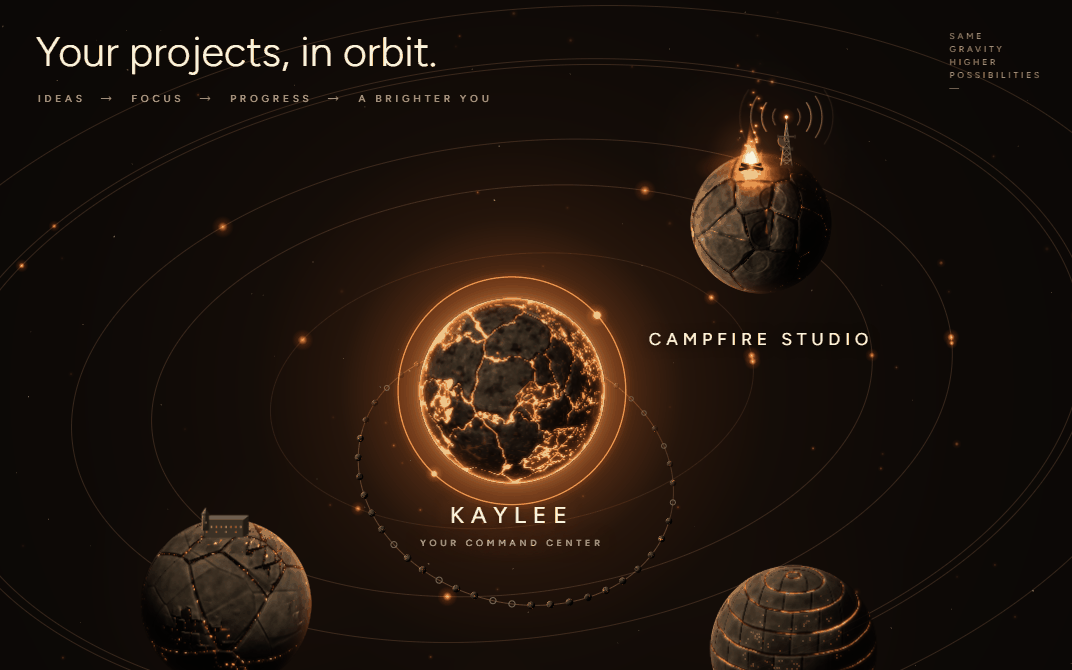
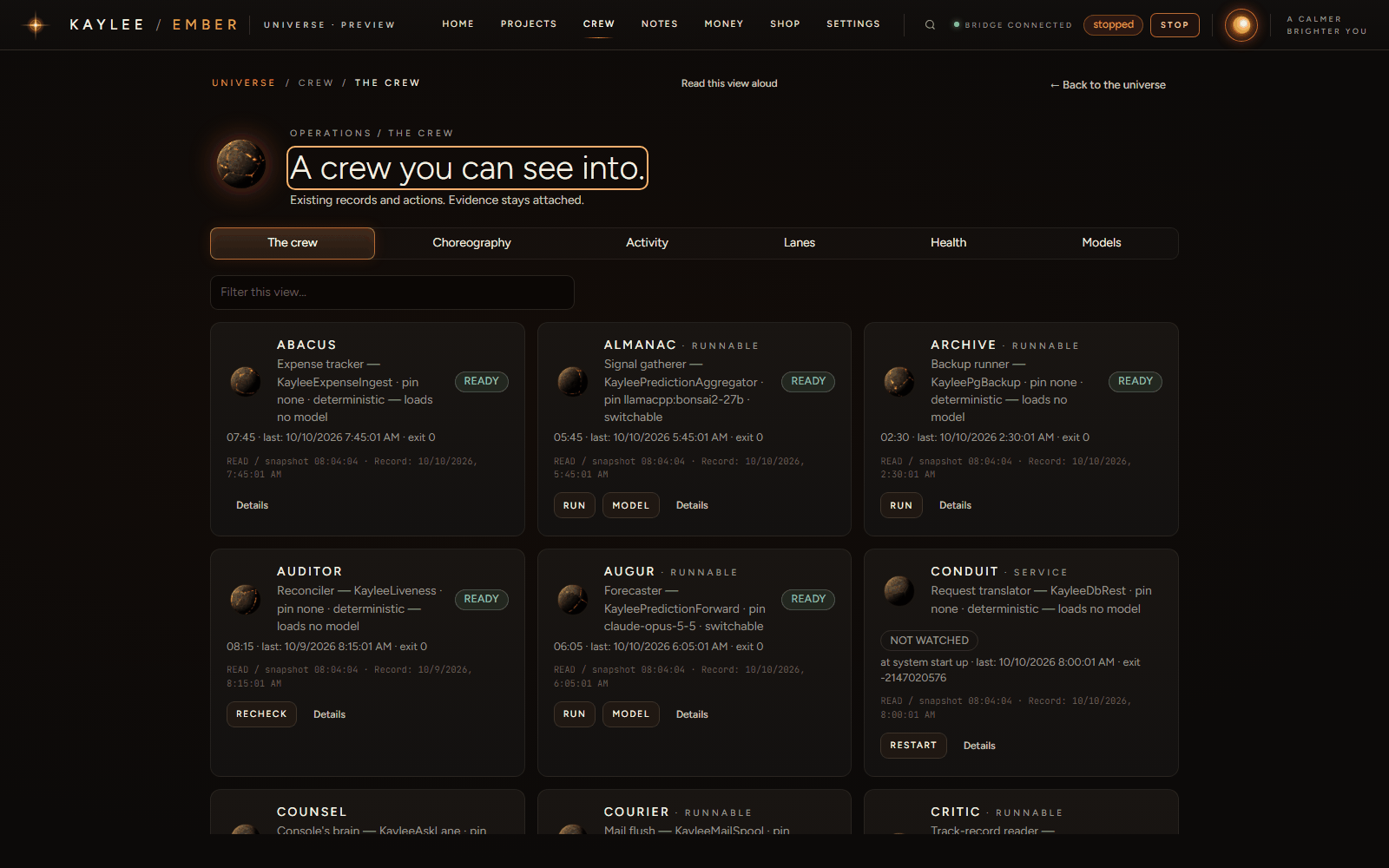
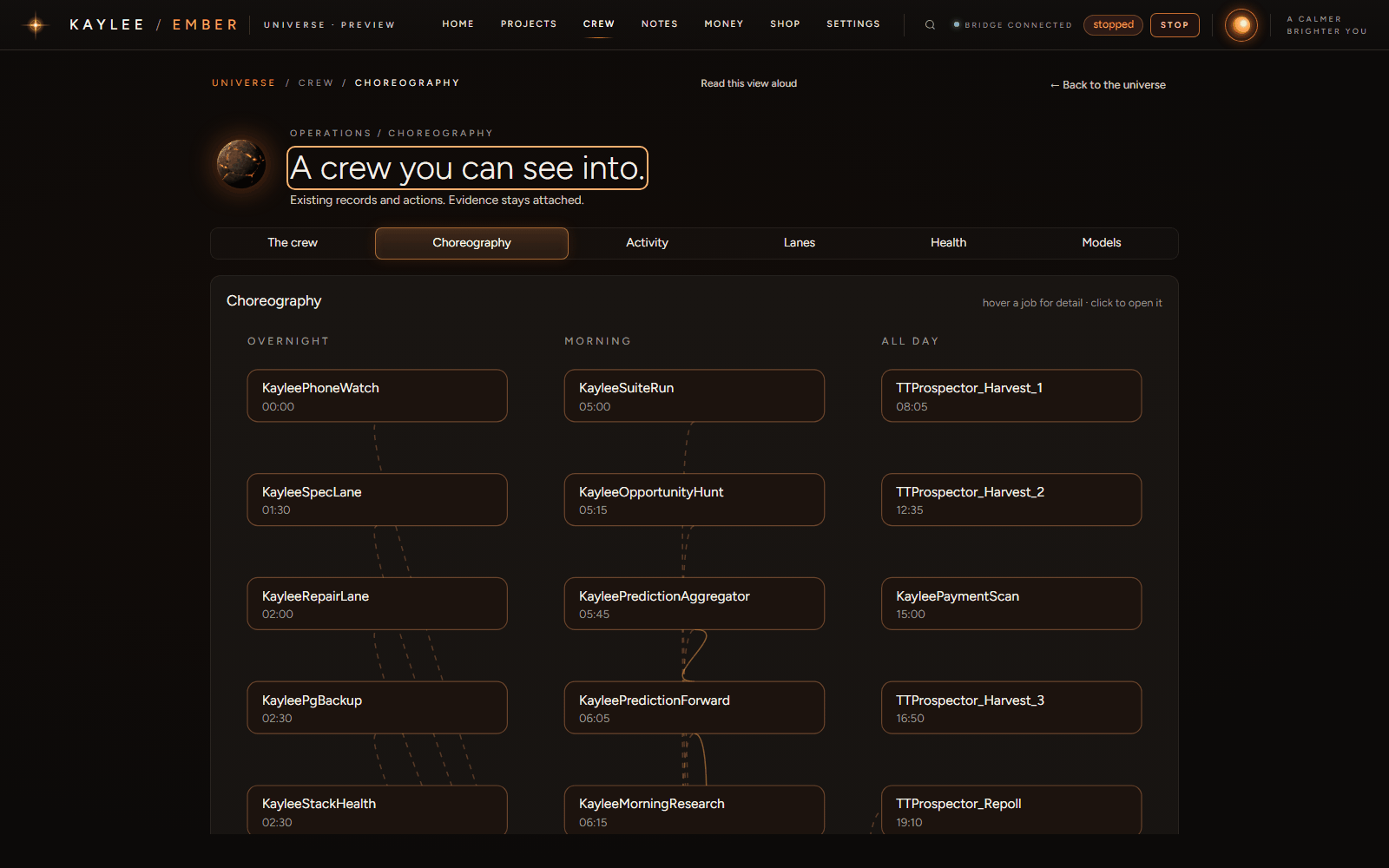
Screenshots of the live dashboard, taken October 10, 2026. Names on screen are the jobs' own.
What landed, and when.
Newest first. Each entry is a dated item from Kaylee's own build history.
-
The research browser refuses private addresses
Built overnight by Kaylee's own build lane and merged before 6 am: the browser her morning research uses now stops every request to a private address, redirects included, before it leaves the machine.
-
Shop prices kept in step
Kaylee reads each print-on-demand provider's cost and shipping and keeps the shop's prices in step with them.
-
Phone alerts by web push
Asks and alerts reach the phone through the dashboard's own web push. The dashboard installs as an app.
-
Build watch
Every building agent now works under a watch: an exact file list, stop rules, and a done-check it has to pass.
-
First build-in-public video
The first video about building Kaylee went up on TikTok.
-
Voice console, tightened
Five fixes from the first week of talking to Kaylee from the phone. Anything an outside AI wrote is now labelled when it is read back.
-
Ember, the new dashboard
One view of every project, job and decision — the screens shown above.
-
Kaylee on the phone
The dashboard and the voice console reach the phone, behind a login. Kaylee rings only when something cannot wait.
-
Park by voice
A to-do can be parked by voice from the console, and undone the same way.
-
The morning-after check
After a night of work, Kaylee first checks what actually ran, from each job's own logs, before the night's draft is read.
-
Phone asks
A decision waiting on a yes reaches the phone as a notification that names it.
-
First build
Kaylee's first commit.
The videos.
Short videos of Kaylee being built, as they are posted.
-
built my own AI assistant with Claude Code